
Every developer has experienced the slow, sinking feeling of a broken build. You made a "quick, tiny fix" on a production file, didn't commit the changes to Git immediately, and now the entire application is throwing fatal errors. You know the original code worked, but finding the exact line you altered is like looking for a needle in a digital haystack.
You need to compare two code files side-by-side to spot the anomaly. But before you paste your company's proprietary algorithms into a random online tool, you need to understand the severe security risks involved and how to do it safely.
The Hidden Danger of Online Code Comparators
When you search for a way to compare 2 code snippets online, the first page of Google is filled with traditional server-side tools. They work by taking your input, sending it via an HTTP post request to a backend server (often running PHP or Python), running a diff algorithm, and sending the visual result back to your browser.
This is a massive security vulnerability. By pasting your raw files into these tools, you are effectively handing over your source code, database structures, and potentially hardcoded API keys or environment variables to a third-party server. You have no guarantee that your data isn't being logged, stored in a database, or used to train external AI models. For freelance developers and enterprise engineers, this violates standard Non-Disclosure Agreements (NDAs).
The Solution: A Client-Side Text Diff Checker
To safely compare two code files, you must eliminate the server from the equation entirely. The modern solution is to use a Client-Side Text Diff Checker.
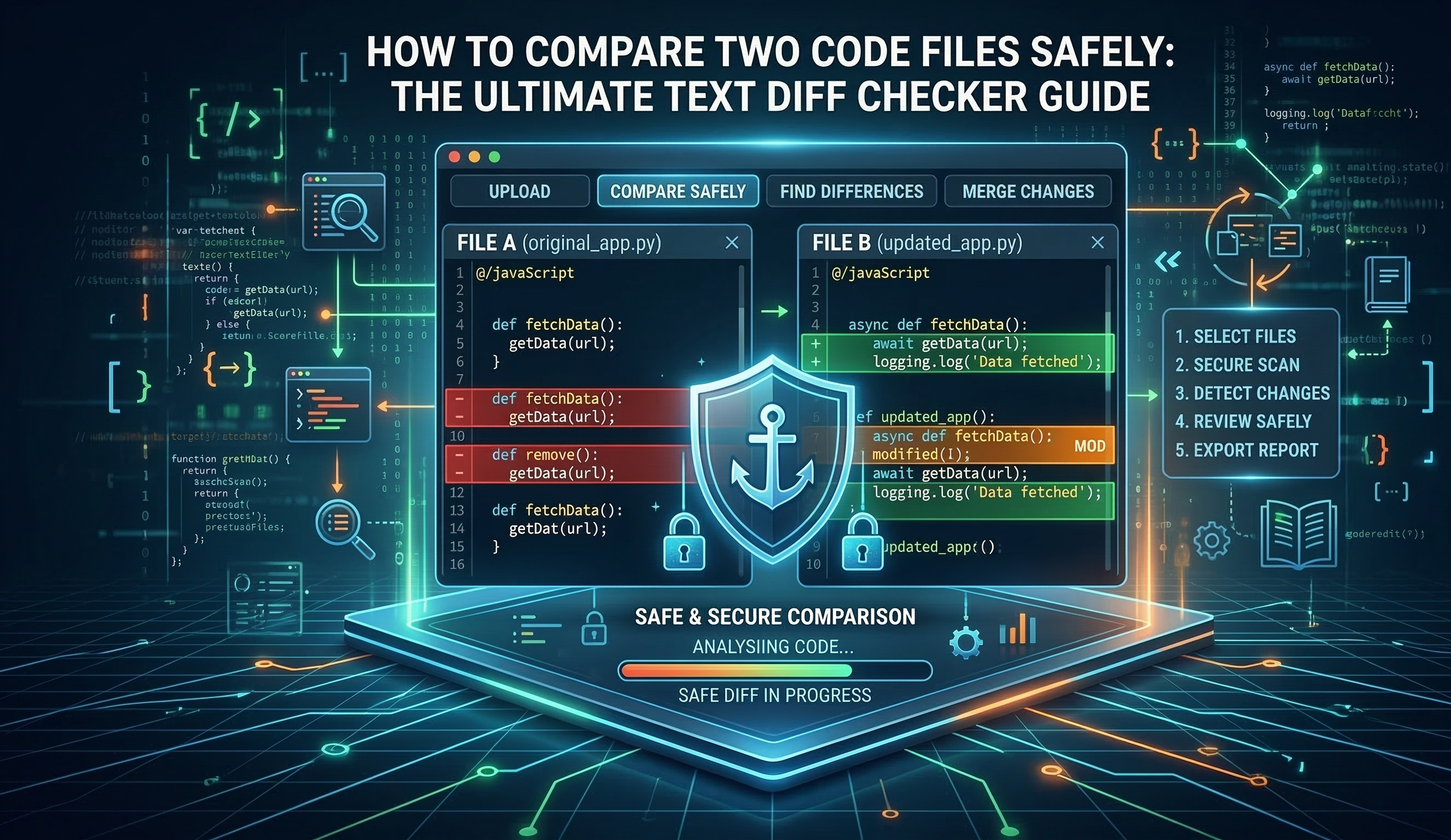
Client-side tools leverage powerful JavaScript libraries and native browser capabilities to process the text directly within your local RAM. The algorithm analyzes the exact differences—highlighting additions in green and deletions in red—without a single byte of your code ever transmitting across the internet.
How to Compare Two Code Files Locally in Seconds
Finding syntax errors or logic changes is incredibly simple when you use a privacy-first workflow. Here is how you can spot the differences instantly:
Open a Secure Tool: Navigate to our 100% local Advanced Text Diff Checker.
Paste the Original Code: Drop your original, working code (or raw text) into the left panel.
Paste the Modified Code: Drop your broken or updated code into the right panel.
Instant Processing: Because there is zero server latency, the browser instantly highlights the exact characters, words, or lines that have been altered.
Absolute Privacy: Once you close the browser tab, your code vanishes. Nothing is stored.
Pro Tip: This tool isn't just for developers. Content writers and SEO specialists use a robust diff checker to compare article revisions, ensuring that critical keywords haven't been accidentally deleted by an editor.
Why Speed and Privacy Matter
In the fast-paced world of software development, context switching is a productivity killer. Waiting for a slow server to process a 5,000-line JSON configuration file breaks your focus. A local diff checker handles massive files in milliseconds because it utilizes your machine's own CPU.
Whether you need to debug a complex React component, verify a database migration script, or simply compare two code snippets from a Stack Overflow answer against your own implementation, doing it securely should be your top priority.
Stop risking your intellectual property. Bookmark a secure, zero-trust Text Diff Checker and keep your code where it belongs: on your device.